What’s new with the Guided Agent Connector · October 8, 2026
A big week! The NerdPress Guided Agent Connector picked up a handful of new skills, from your comments section to your publishing calendar.
Find the recipe reviews that need a reply
If you use WP Recipe Maker, your agent can now see the star rating on each comment and find reviews by rating, date, or author, including the ones nobody has replied to yet. It can also mark a great review as a Featured Review.
Catch up on reviews
Check
Show me the recipe reviews from the last 30 days that nobody has replied to yet, lowest ratings first. Don’t change anything.
Pro tip: Ask your agent to suggest a five-star review to feature on your most popular recipe, then give it the OK.
Keep spam out without blocking real readers
Your agent can now add an email address, IP address, or word to your comment blocklist, and check why a comment was blocked or held for moderation.
Where did that comment go?
Check
A reader says their comment on “[post title]” never showed up. Find out whether it was blocked or held, and why. Don’t change anything.
With our Connector: Before adding anything to your blocklist, your agent tells you if it would also catch comments from your real readers.
Schedule posts, and find posts by date
Your agent can now schedule a post or page to go live at a set time, reschedule it, or unschedule it. It can also find posts, pages, and images from a date range, by when they were published or last updated. And times now come in your site’s own time zone.
Schedule a draft
Change
Schedule my draft “[post title]” to go live on [date] at [time].
Find old posts worth a refresh
Check
List the posts I published in [month and year] that haven’t been updated since. Don’t change anything.
A helping hand with your site’s CSS
Your agent can now read and edit your site’s Additional CSS (in WordPress, under Appearance → Customize). Because a CSS change affects every page of your site, it’s a separate permission you switch on for a connection when you want it.
Explain my CSS
Check
Read my site’s Additional CSS and explain what each part does, in plain English. Don’t change anything.
Also this week
- Fewer dead ends. When your agent can’t do something, it now tells you why, and whether the fix is a permission checkbox (it names the exact one), reconnecting, or a setting on your site.
- Custom code snippets. With a new permission, your agent can read your site’s code snippets to help explain what they do.
- A friendlier start. If you try to connect before the Connector plugin is installed, you’re now pointed straight to our setup guide.
The week in numbers
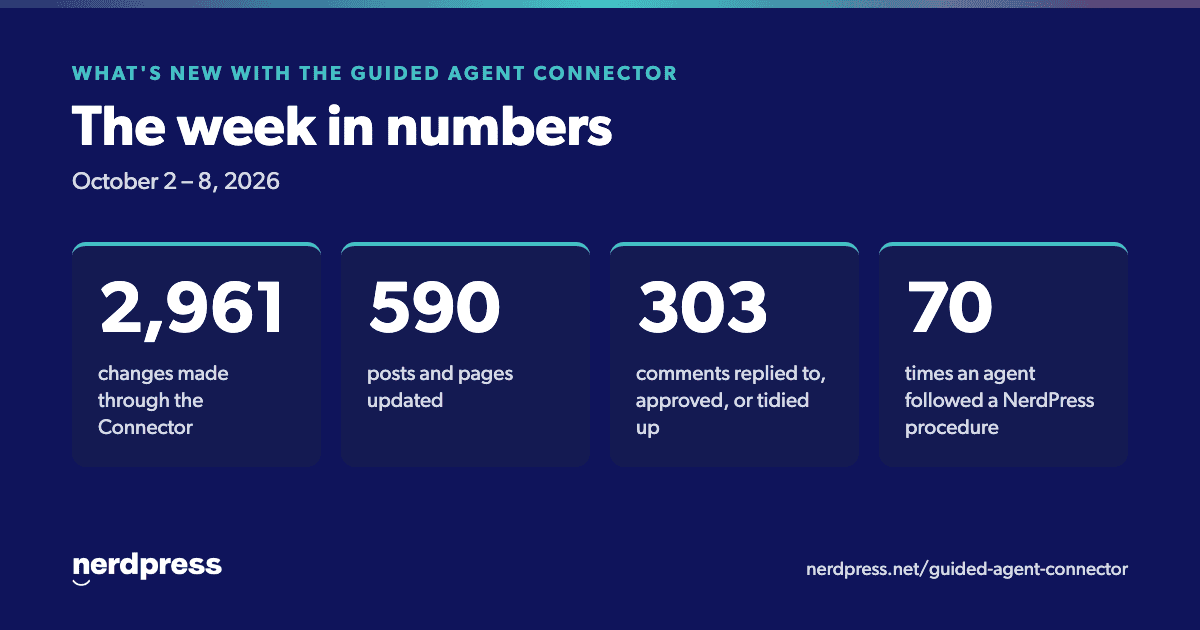
- 2,961 changes made through the Connector this week.
- 590 posts and pages updated.
- 303 comments replied to, approved, or tidied up.
- 70 times an agent followed a NerdPress procedure step by step.
- 6 different AI apps did the work, including Claude, ChatGPT, and Codex.
Keep exploring
- New here? Start with our setup guide.
- Looking for ideas? Browse the Connector prompt library.
- Want the bigger picture? Read how the Guided Agent Connector works.
- Stuck, or have an idea for a procedure? Get in touch with our Support Team.
Connector versions released this week: 1.8.0 and 1.8.1. To read the notes for any version, find the Connector on your Plugins screen in WordPress and click “View details.”