What’s new with the Guided Agent Connector · September 24, 2026
This week was all about you deciding what your agent gets to do, and who on your team gets to use one. Here’s what’s new in the NerdPress Guided Agent Connector.
Choose what your agent can do, in one click
When you connect an agent, the approval screen now asks a simple question: What do you want this agent to be able to do? Pick one of three starting points:
- Content Assistant writes and edits posts, pages, images, tags, and comments, but can’t publish or delete anything. You stay the one who hits Publish.
- Editor can also publish and move things to the trash, much like an Editor in WordPress.
- Administrator can use everything the Connector offers, with the riskiest options still switched off until you turn them on.
You can still fine-tune any connection, and change your mind later.
What can you do here?
Check
Tell me, in plain English, what this connection is allowed to do on my site and what it can’t do. Don’t change anything.
Pro tip: Not sure which to pick? Start with Content Assistant. Your agent can draft and edit to its heart’s content, and nothing goes live until you say so.
Bring your team along
Until now, only administrators could connect an agent. Now anyone on your site who can write posts can connect their own, and it can only do what their own WordPress account can do. Your co-writer or virtual assistant can work with their agent, and you can see each connection separately and turn any of them off without touching the others.
Get to know your agent
Check
I’m an [Editor/Author] on this site. What can you help me with using my account, and what would need an administrator? Don’t change anything.
Also this week
- Fewer false alarms. Your agent no longer tells you a change failed when it actually went through.
The week in numbers
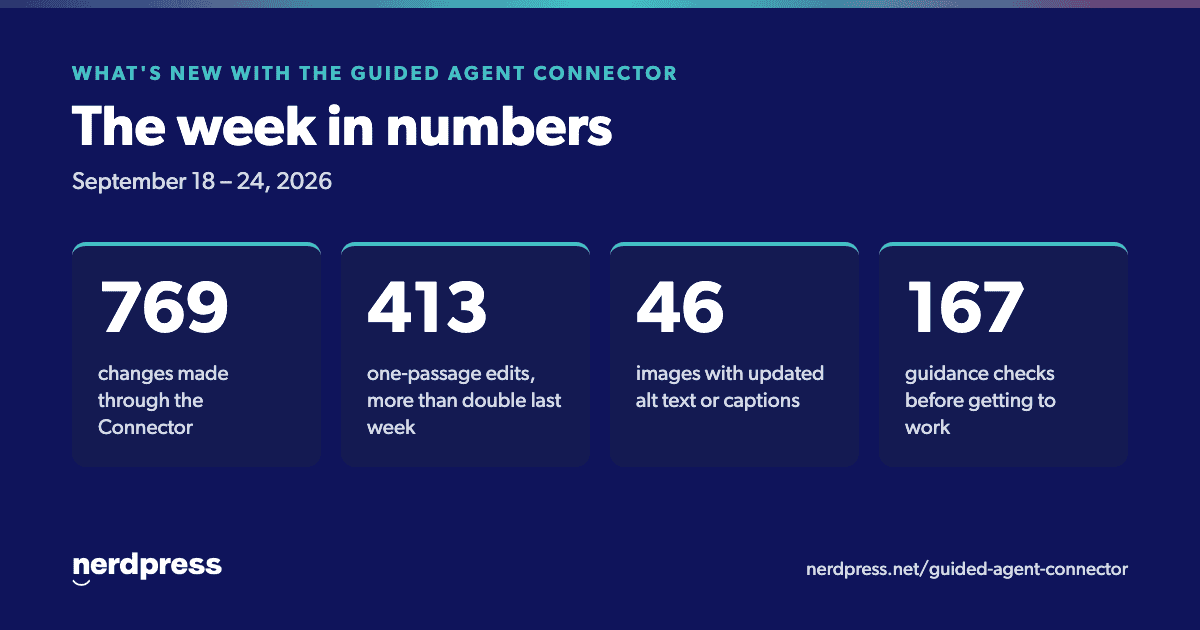
- 769 changes made through the Connector this week.
- 413 one-passage edits, more than double the week before.
- 46 images got better alt text, titles, or captions.
- 167 times an agent checked NerdPress guidance before getting to work.
Keep exploring
- New here? Start with our setup guide.
- Looking for ideas? Browse the Connector prompt library.
- Want the bigger picture? Read how the Guided Agent Connector works.
- Stuck, or have an idea for a procedure? Get in touch with our Support Team.
Connector version released this week: 1.7.0. To read the notes for any version, find the Connector on your Plugins screen in WordPress and click “View details.”