Get key takeaways:
One question we’re often asked is whether or not a post should display both its original publication date and its most recent modification date or just the new date (or just the old one?). And if you add both, which one comes first?
We’ve had a lot of conversations about one-date logic with SEO experts, ad networks, and other collaborators over the years. Based on our most recent conversations and testing, we’re here to try and set the record straight-ish. Because the actual answer is every SEO’s favorite phrase: It depends.
One date to rule them all
Since Google only shows one date in search results, the idea behind one-date logic is that a more recent date shown in Search may encourage more people to click, improving your click-through rate (CTR).
Our current recommendation: For most sites, show only the most recent date at the top of your post.
That goes for recipe, craft, and lifestyle sites, and it also goes for tutorials, roundups, and any how-to guides you keep current. If you update your posts when things change, one clearly labeled date gives you the best shot at getting that fresher date into search results.
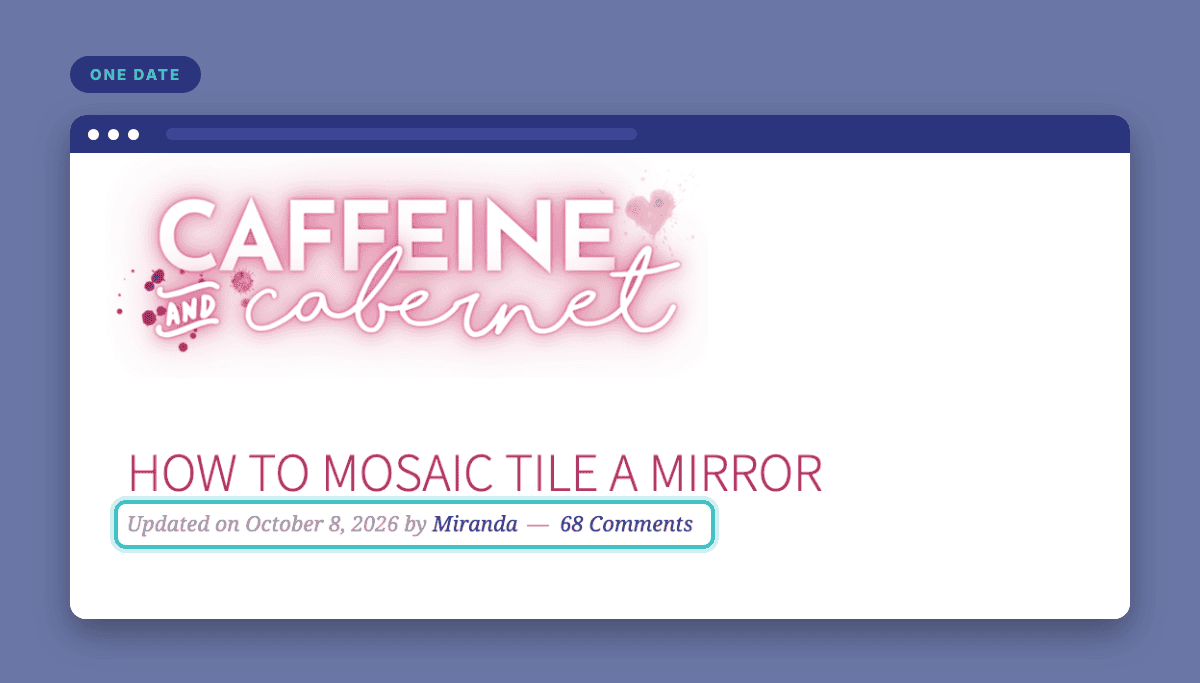
That means showing the published date when the post is first published, and displaying the modified date when the content has been meaningfully updated. We could probably write another blog post on what it means to “meaningfully update” content, but for the purposes of this rule about dating your posts, things like replacing every process shot with new, updated images would mean using the new date. Removing a rogue comma or correcting a spelling error would not.
And be sure to label the date clearly so visitors know whether it represents when the post was published or updated.
“Gen Z is by far the largest generational group on Google and one-date logic allows bloggers to optimize for them specifically. They’re looking for new content not ‘aged’ content. To them, ‘recently updated’ means ‘more relevant and timely,’ so that is a significant reason that food and lifestyle bloggers should always strive to show the LAST UPDATED date.”


Google says it uses several signals to estimate when a page was published or significantly updated, including visible dates and structured data, so again, the goal is to help Google display that more recent date in search results to encourage people to click through. Don’t change the post’s actual published date in WordPress to make it look newer. Google knows when it first found your post, and you won’t be fooling them.
There’s still no guarantee Google will show the date you want, or always show your most recent date, or that a more recent date will increase CTR — but displaying just one date is the best shot at it.
When two dates are better than one
As always, we believe you should do what is best for your visitors, and there are some niches where showing both dates (and even possibly timestamps) provides important context.
The primary exception to one-date logic is news and journalistic content.
When you’re reporting on a developing story, especially one spanning multiple days, readers need to know when it was first published and when it was last updated, sometimes down to the hour. That’s why news outlets show both dates. It tells readers how fresh the information is and when a correction or update was made.
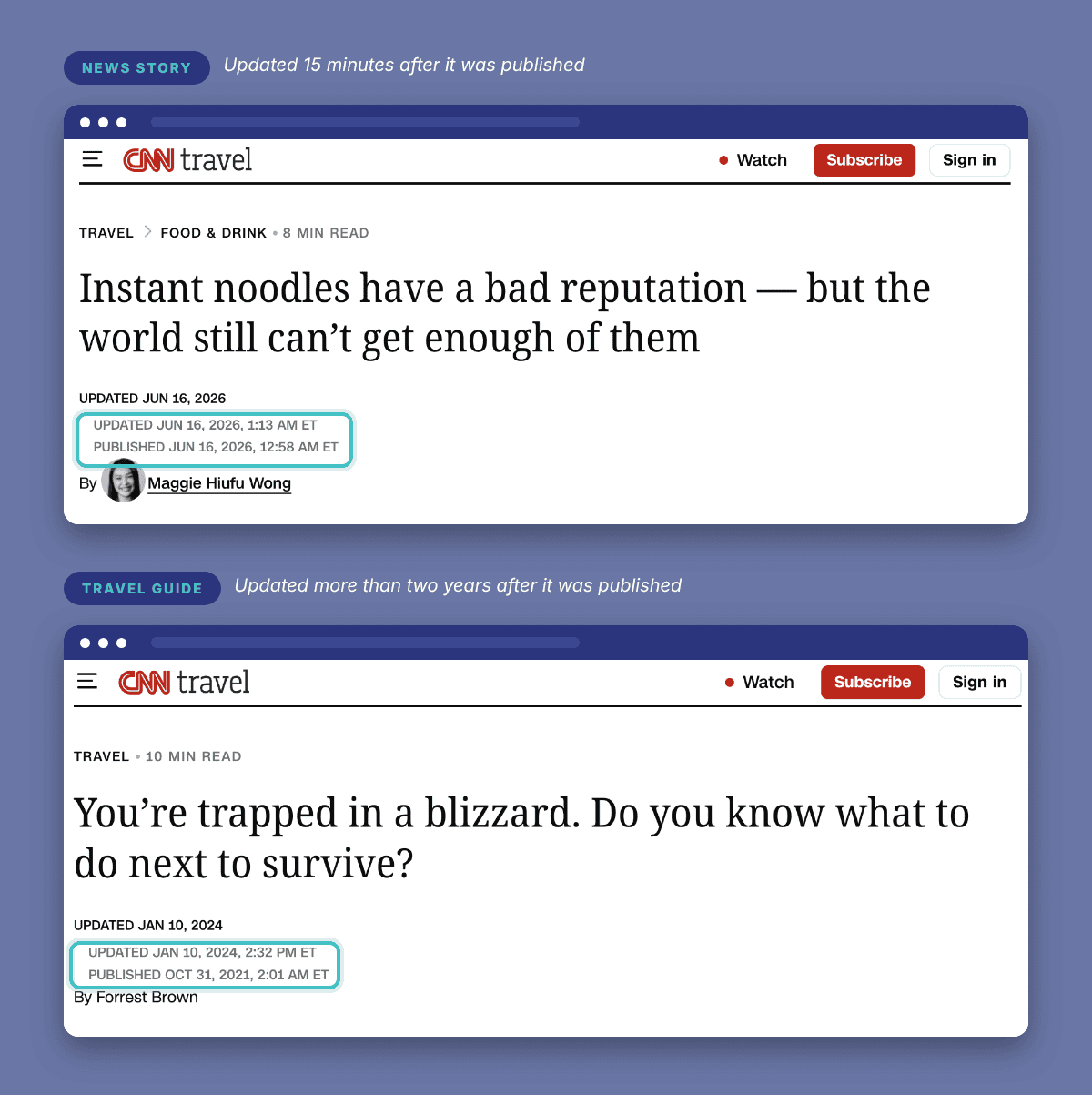
A good test is to show both dates only when the original date changes what the reader understands. For a chocolate chip cookie recipe, or a guide to transferring your domain, it doesn’t; the most recent date tells readers what they need to know. But for a breaking news story, two dates gives readers a clearer picture.
Travel and guide sites can be a gray area. If a post documents a trip or conditions at a specific moment, like what attractions were open when you visited, the original date gives readers useful context. But if you keep the post updated as things change, one date (the most recent) is the better fit.
Always think of your reader
No matter what you choose, keep in mind that the schema on the page (the structured information added by your SEO plugin) will continue to include both the published and modified dates. Showing one date at the top of your post doesn’t mean removing the original published date from your schema.
With that said, Google’s guidance states “If desired, you can show two dates: when a page was originally published and when it was updated. Just do so in a way that’s visually clear to your readers.”
And then a few bullets down on the same page they write “If [you]… find incorrect dates are being selected [in search results], consider if you can remove or minimize other dates that may appear on the page.”
In other words, displaying both dates isn’t “wrong,” but it can make it less clear which date Google should use, and search results may continue showing the original published date even after you’ve updated the post.
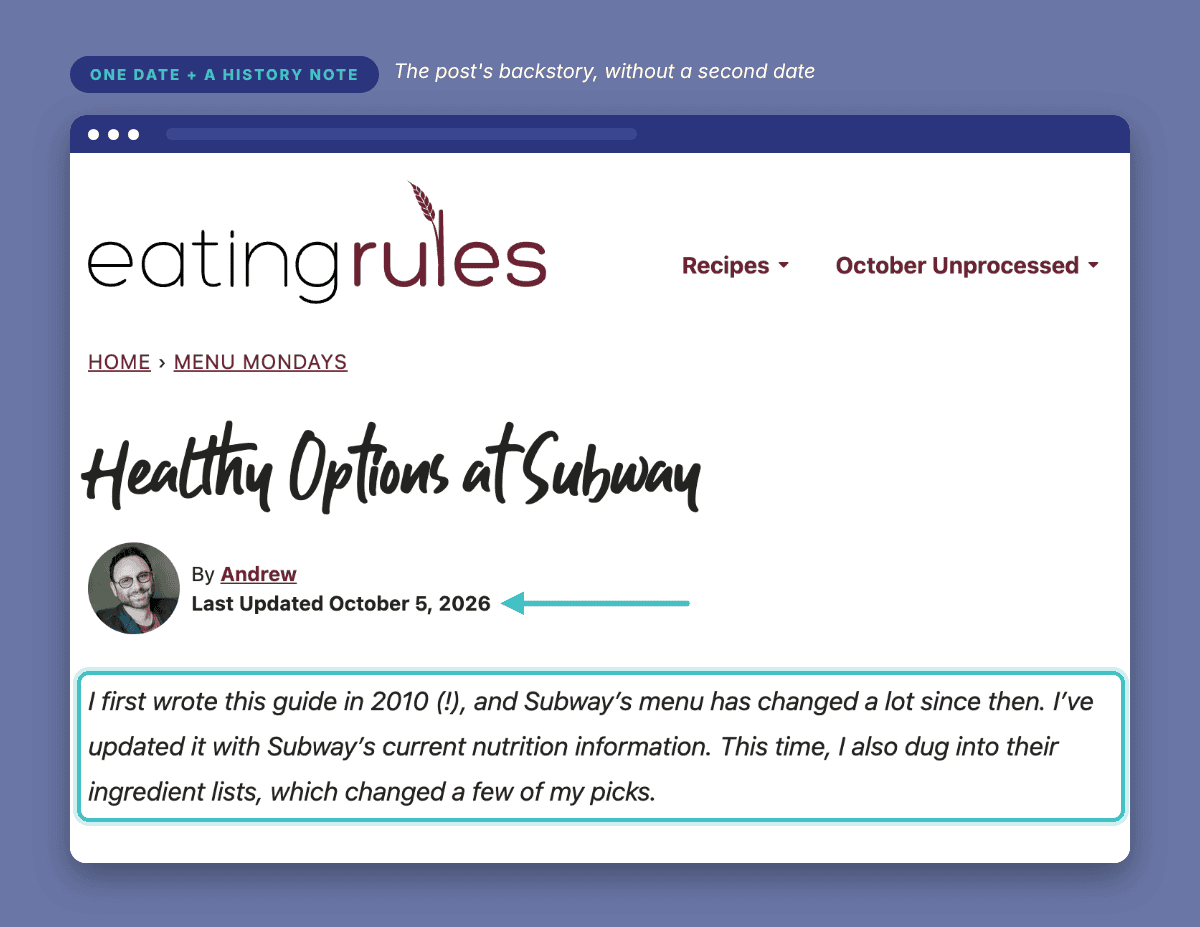
For the moments when you’d like to acknowledge the post’s history (like Andrew, a self-titled “Cranky Gen Xer”), you can add a short note that says: “This post was originally published in ___ and has been updated since.” This lets you share that background with the reader while keeping one prominent date at the top.
So in light of that guidance, we’re bringing it back around to a mantra that has yet to fail us: Always think of your reader.
What will help them best understand your content? That answer may very well depend on your niche.
News and other time-sensitive reporting benefits from showing both dates. Most other content, including posts you update regularly, is better off only showing one.
How to change which dates show up
If you’re asking “ok, but how do I switch to this new one-date logic?” the answer is, once again, “it depends.” There are plugins that can help, and every theme will have its own best way to display dates.
If you’d like to fix a typo without bumping your “Updated” date, the Change Last Modified Date plugin lets you make small edits while keeping the date as is.
If your site uses Feast, their step-by-step guides walk you through editing your post info line and choosing which date to display. (Feast’s documents also include guidance for Kadence, too!)
Custom themes vary, so your theme developer is the best person to ask. If you’re a NerdPress client, you can also send us a Quick Support Request and we’ll be happy to take care of it!